

Complete Control: Update Your Payment Details in the Control Centre
Managing your Trusted Shops membership just became simpler, faster, and entirely self-service.
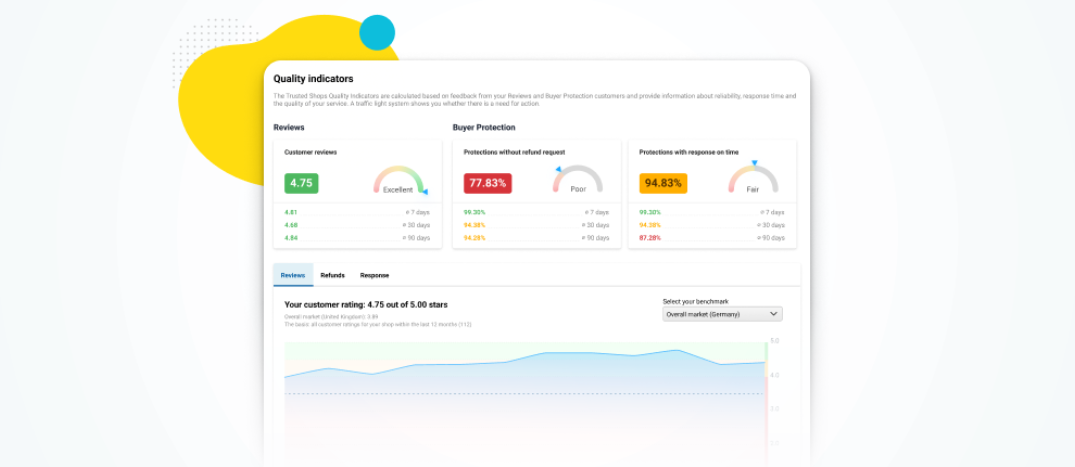
You already know the quality indicators from MyTs. Now the view has been moved to the Control Centre so that you can retrieve them even easier and faster from now on.
Before this change, the function was located under the "Performance" tab in MyTS. Now it will no longer be visible there. It can now be found under the Certification item in the Control Centre on the "Quality Indicators" tab.

With the move to the Control Centre, the quality indicators are now presented in a more understandable and easy-to-use design. This makes it even easier to visualize whether customers' expectations are being met.


